
Invoicing and cleaner tips
Get Paid On Time (With Way Less Admin)
With ZenMaid’s Invoicing Software
Use ZenMaid with Stripe or Square to store client cards and charge them for completed cleanings in just a few clicks. So you can finally say goodbye to chasing down cleaning payments.
Easy 5 minutes setup - no technical skills required
Goodbye paper trail.
Hello real-time payments.
Ditch the spreadsheets and see everything all in one place
Spreadsheets
Invoices get forgotten or sent late
Tips get lost or forgotten
You don’t know who still owes you
You have to manually follow up or do the math for payroll

ZenMaid
Invoices are created and sent automatically
Clients can easily tip by email or text
Payments, tips, and open balances are tracked in one place
Tip amounts show up in appointments and export into payroll
Loved by 3,000+ maid service owners like you


Tiffany Keipp
25th Hour Cleaning

Simone Angell
House Mum

Richard Knight
Haus Maids

Rachel Lynn
Misse's Clean

Pattie Mclean
Tomorrow Today Ayr

Paige Collins
All Spruced Up

Megan Gately
Ethereal Cleaning

McKenzie Basaldua
Excellent Quality Cleaning

Kristi McCartney
The Mess Masters

Juliet Pocali Tengalia
Bella Cleaning Inc.
#1 maid software on




CUSTOMIZABLE INVOICES WITH YOUR BRANDING
Make every invoice feel like an extension of your business
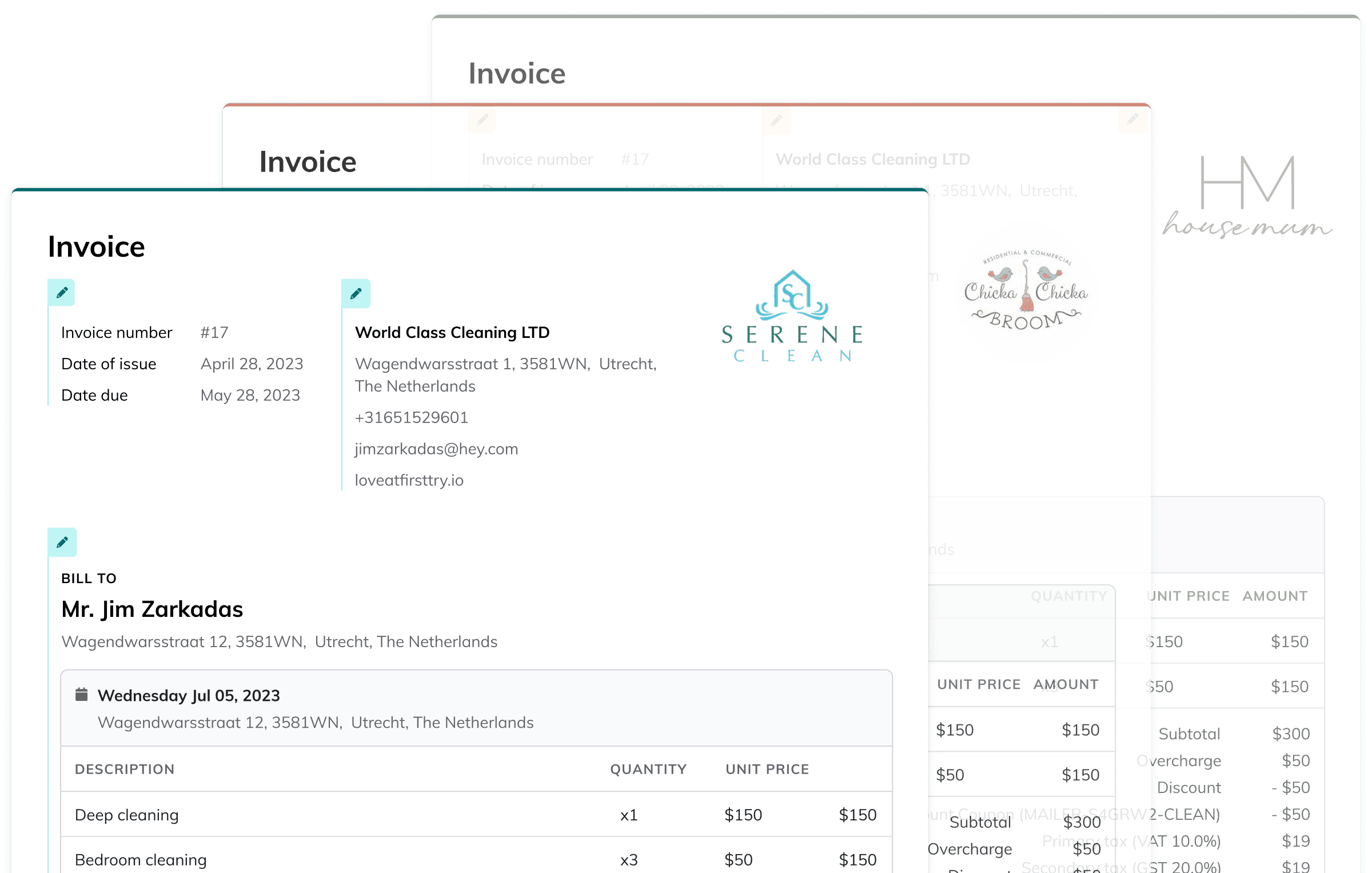
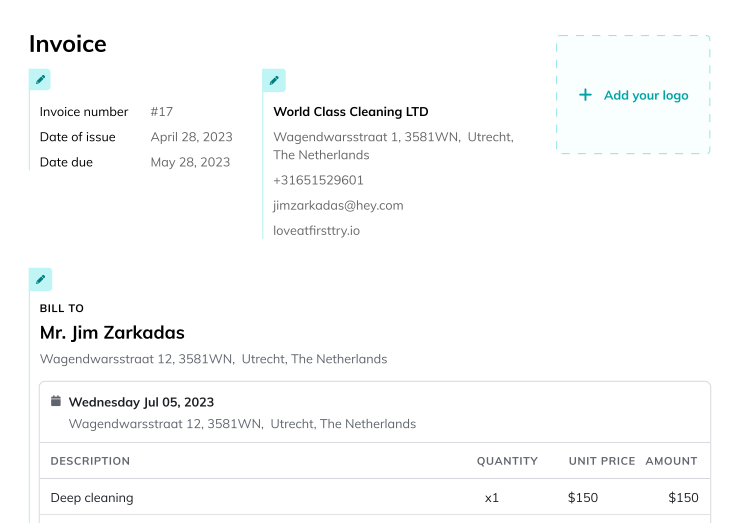
Show service details and line items
Break down services by type, time, or cleaner if needed. Line items make charges clear and help avoid client confusion or disputes.
Add your Logo and brand colors
Upload your cleaning service’s logo and choose brand colors so every invoice looks professional and customized. Clients will recognize your business at a glance.
Leave a polished impression
A clean, consistent invoice shows clients you run a well-organized business. It reinforces trust and creates a more professional client experience.
CLEAR PAYMENT TRACKING BY CLIENT
Stay On Top of Who’s Paid and Who Hasn’t
See payment history and lifetime value
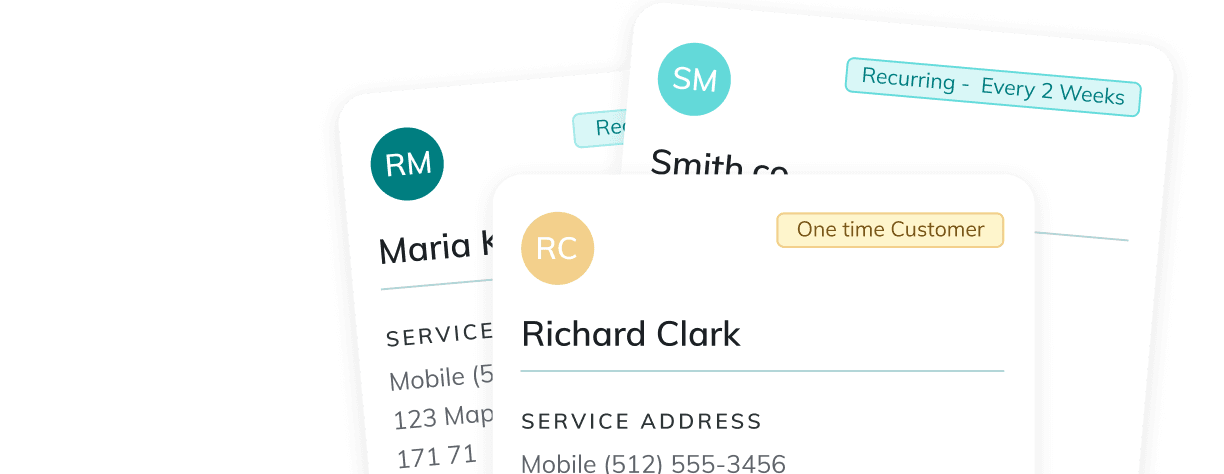
Inside each client profile, you can view all past transactions, outstanding balances, and upcoming appointments.
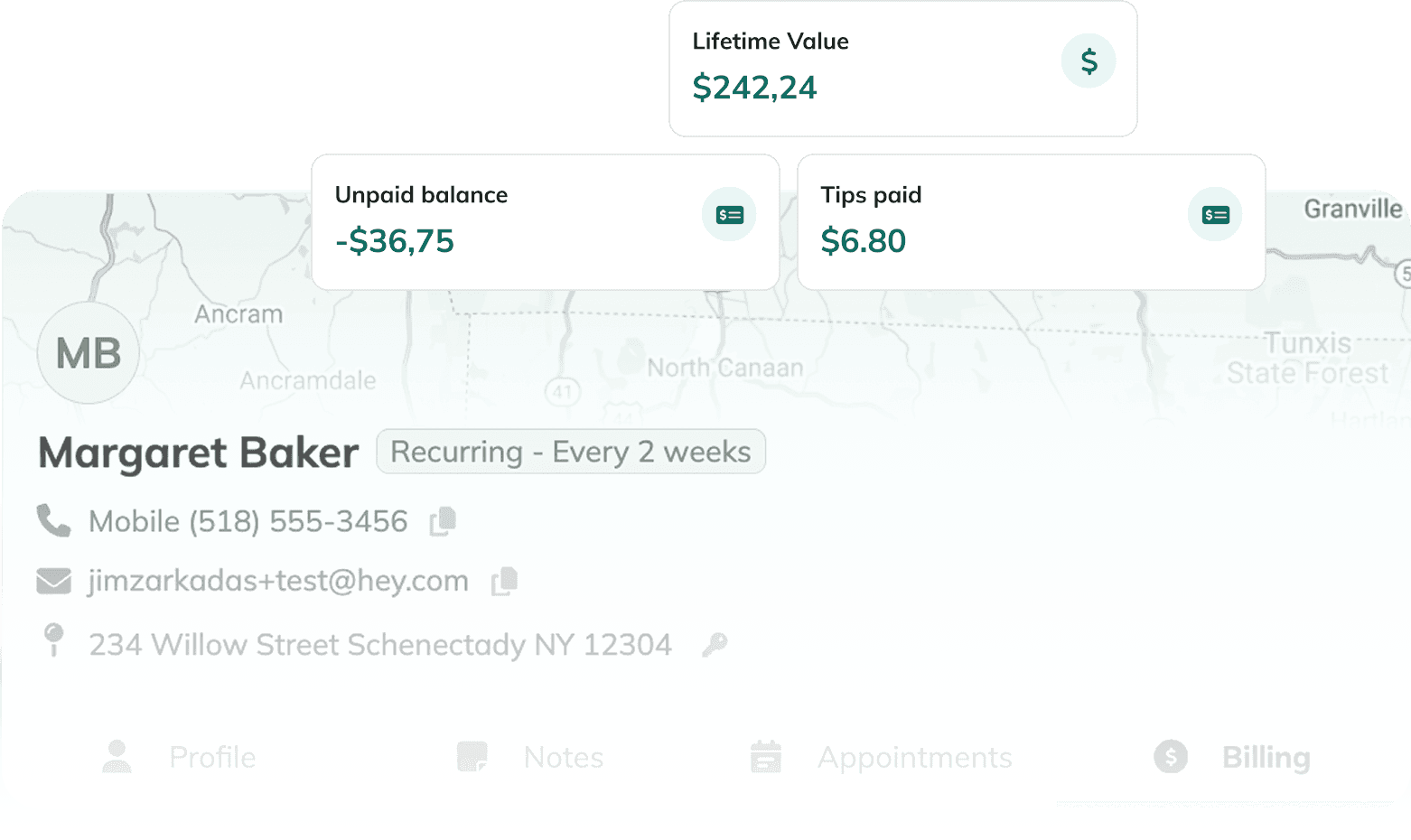
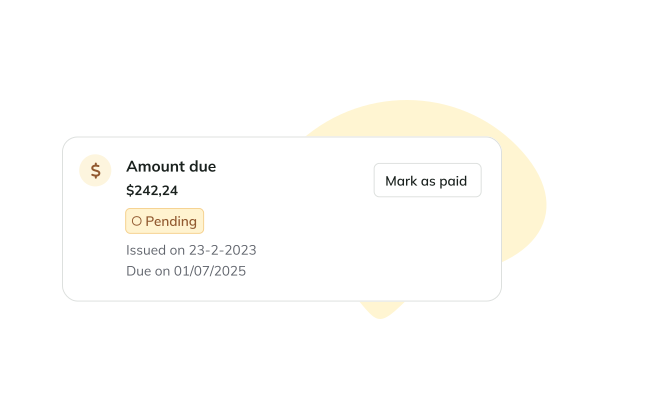
See payment history and lifetime value
Inside each client profile, you can view all past transactions, outstanding balances, and upcoming appointments.
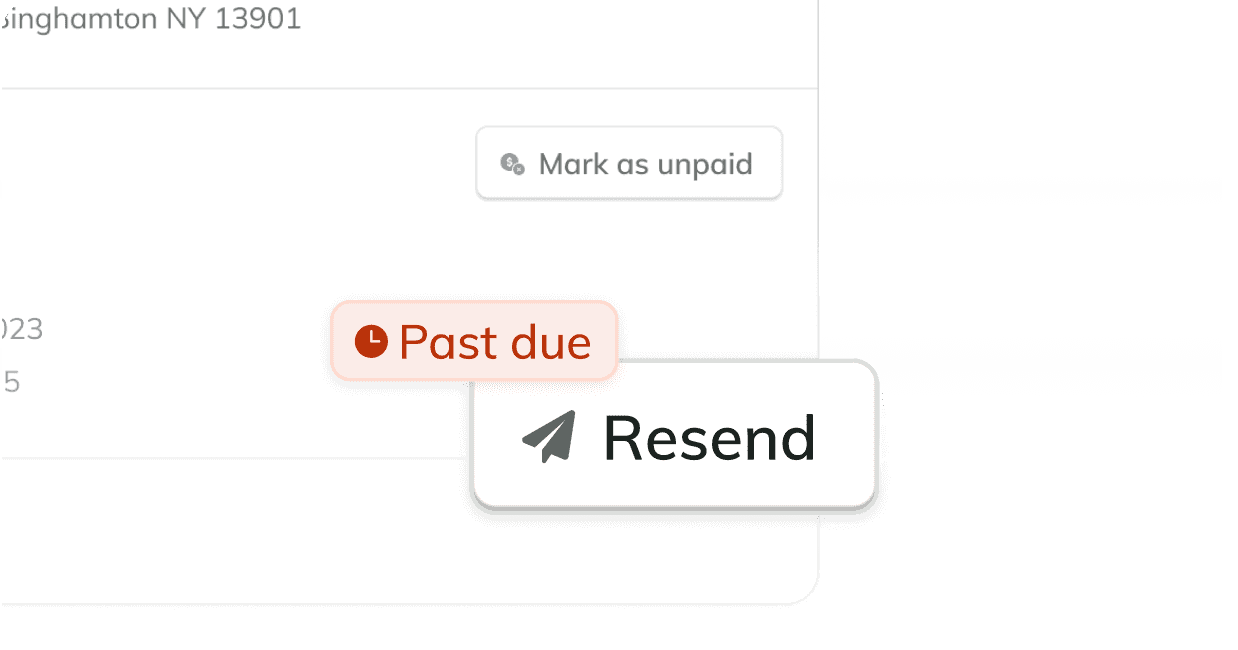
Easily follow up on Unpaid Invoices
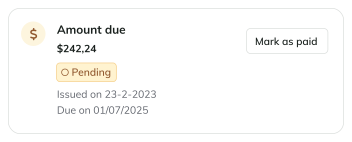
Need to remind a client about an overdue payment? Resend any invoice with one click via email or SMS. The message includes a direct link to pay online.
#1 maid software on
Dashboard
Appointments
Requests
3
Contacts
Cleaners
Invoices
Payroll
Reports
Help
More
Search ZenMaid...
JZ
3
MON 16/02
TUE 17/02
WED 18/02
THU 19/02
FRI 18/02
5h open
9h open
1h open
4h open
8h open
7am
Tasks
8am
9am
10am
11am
12am
1pm
2pm
3pm
4pm
Week
Filters: Default
Colored by: Cleaners
Today
Feb 16-20
Actions
10.30 - 11.45
Barbara Lewis
(697) 555-4321
BL
01.30 - 03.00
Jane Bloggs - Umbrella Corporation
(518) 555-3456
JB
10.00 - 14.15
Smith Co.
(518) 555-3456
SM
07.30 - 09.15
James Harris
(697) 555-4321
JH
08.00 - 09.30
Barbara Lewis
(697) 555-4321
BL
09.00 - 11.15
Jane Bloggs - Umbrella Corporation
(518) 555-3456
JB
08.15 - 10.45
Barbara Lewis
(697) 555-4321
BL
11.00 - 12.30
Barbara Lewis
(697) 555-4321
BL
11.30 - 02.10
Barbara Lewis
(697) 555-4321
BL
11.00 - 12.30
Barbara Lewis
(697) 555-4321
BL
CLEARER PAYMENTS, CLEANER RECORDS
Invoicing That Lives Right Where You Work
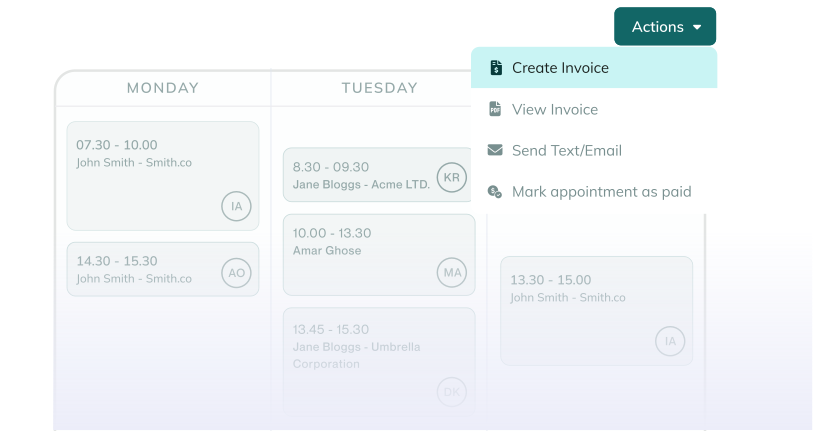
Invoices tied to appointments
Create and manage invoices straight from your calendar. As soon as a job is marked complete, you can generate an invoice.
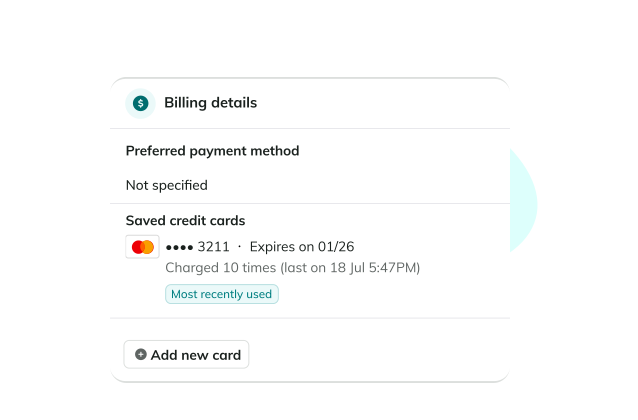
See who has a card on file
Quickly filter completed jobs and view which clients already have a saved payment method.

Collect cleaner tips automatically
Let clients tip through text or email — automatically or manually. Tips get logged with the appointment and included in payroll exports.
"The software so easy to use. Their training videos and all the information provided is wonderful to get through the learning curve of a new software when your busy. The look of everything is beautiful. And the booking form has brought tons of business."

Elizabeth D.
Review from Capterra