ZENMAID CONNECTION CONCIERGE
Stop Copy-Pasting. Start Running Your Business.
Connect ZenMaid to 6,000+ apps using Zapier and let your software do the busywork — automatically.


SOUND FAMILIAR?
You Didn't Start a Cleaning Business to Live in Spreadsheets
Every new booking means copying a customer's name, phone, and email into your CRM. Then into your email list. Then your accounting tool. Over and over and over.
That's hours every month stolen from growing your business, or from you just taking a breath.
ZenMaid's Zapier integration fixes that. When something happens in ZenMaid, your other tools update automatically. No more manual entry.
What's possible
Your ZenMaid Data, Flowing Everywhere It Needs to Go
The moment something happens in ZenMaid, Zapier springs into action. Here's what you can automate today:

ZenMaid
🧑 New Customer Created: Automatically add new ZenMaid clients, including their full name, phone, email, birthday, and special notes, to your CRM, email list, or anywhere else.
📅 Appointment Booked: Trigger a welcome email, a Slack notification, or a task in your project management app the moment a new cleaning is scheduled.
❌ Appointment Cancelled: Keep your team informed and your records clean, automatically trigger follow-ups or internal alerts when a booking is cancelled.
✏️ Appointment Updated: When a booking changes, your connected tools change with it. No one's left out of the loop.
NOTE: Payment processing (Square, Venmo, etc.) and transferring cleaning costs are not currently supported through Zapier.
SIMPLE BY DESIGN
How It Works
Up and Running in Only 2 Steps
Step 1: 🔗 Create your free Zapier account
Zapier is the bridge that connects ZenMaid to thousands of other apps. Sign up for free and you're already halfway there.
Step 2: ⚡ Build your first Zap
Choose a trigger (like "new appointment in ZenMaid") and an action (like "add to Mailchimp list"). Zapier handles the rest.
Already have a Zapier account? Jump straight to the connection guides below. 👇
connection guides
Not Sure Where to Start?
HOW TO CONNECT ZENMAID WITH OTHER TOOLS
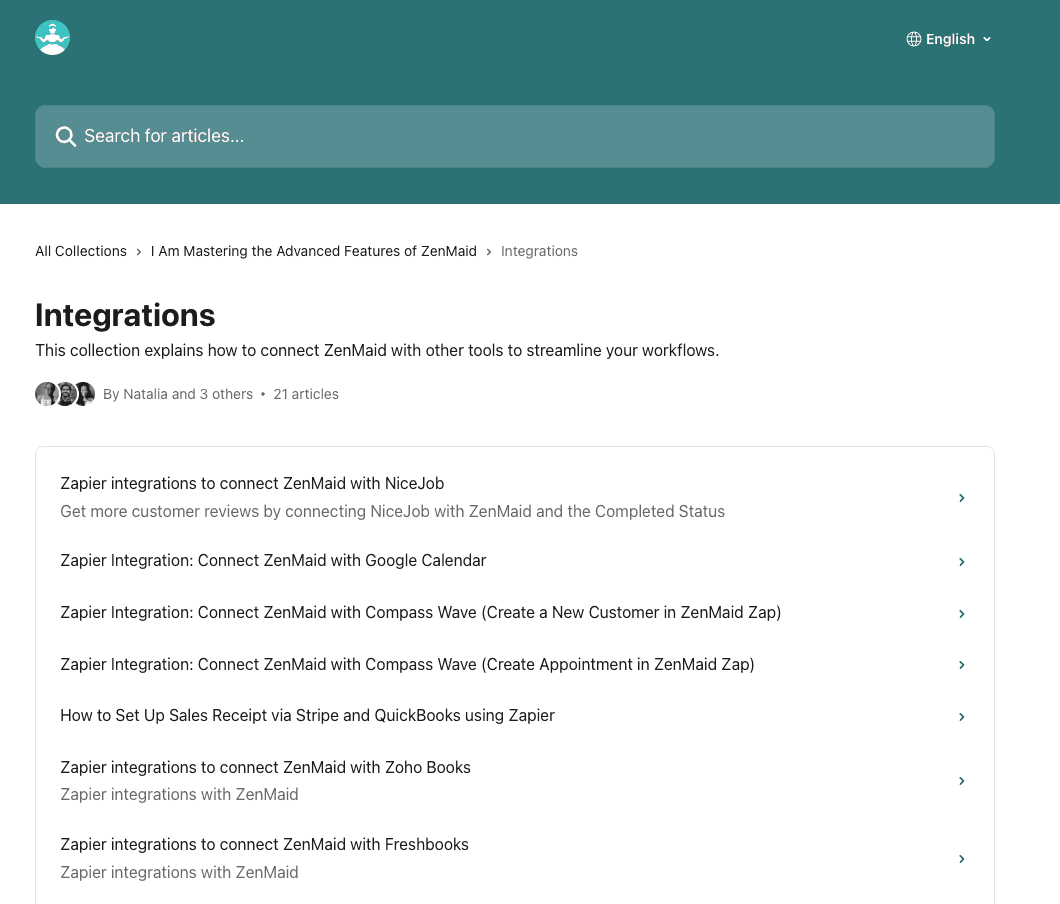
We've put together step-by-step guides for the most popular ZenMaid connections. Find yours and follow along. It only takes a few minutes.
fill out the form below
Can't Find What You're Looking For?
Tell us which app you're trying to connect and we'll do our best to make it happen.