

Ditch the payment dance.

#1 maid service software

FILING CABINETS WISH THEY WERE THIS ORGANIZED ZEN
All Your Payments, Right Where You Need Them
Charge right from the calendar
Filter completed appointments and charge in one go without switching tools.


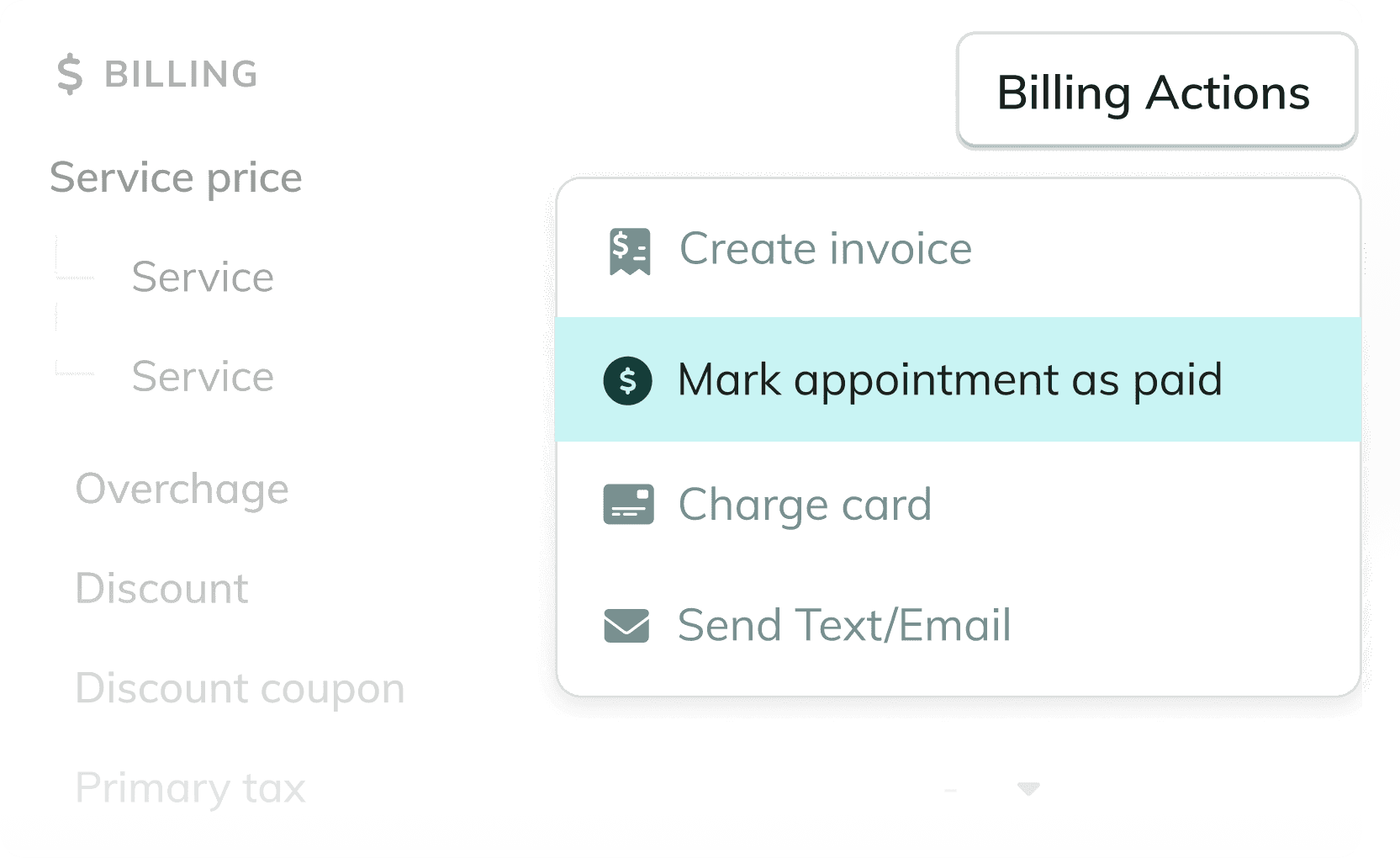
Cash, check, or outside payments?
No problem — mark jobs as paid manually so your records stay accurate.

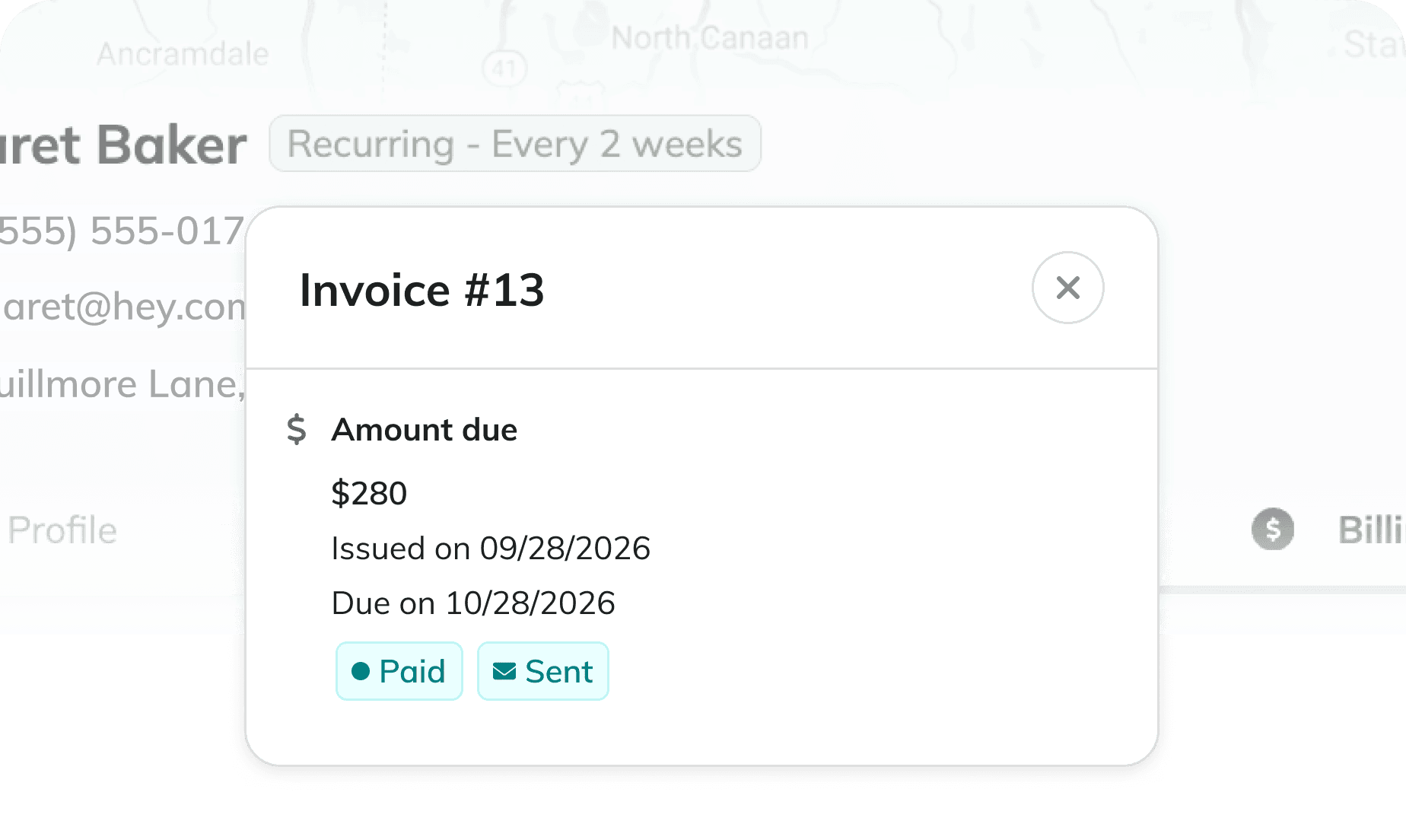
Automatically track payment status
As soon as you charge a card, the payment status updates on the job and the client profile.
#1 maid service software
NO SURPRISE FEES, NO FUNNY BUSINESS
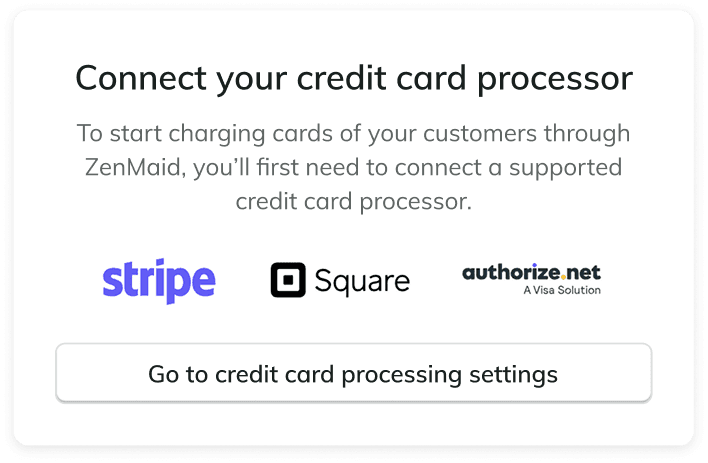
Built for Stripe and Square
Use the processors you already trust and love with no ZenMaid fees on top.



Keep cards on file
When a client pays once, their card is stored for future appointments.


Send payment forms ahead of time
Use our secure card authorization forms to protect high-value appointments.
#1 maid service software














Frequently Asked Questions
Do I need to use Stripe or Square?
Do I need to use Stripe or Square?
Does ZenMaid store client credit card information?
When a client pays through an invoice (via text or email), their card is securely stored on their profile for future use. Card data is stored via Stripe or Square’s secure infrastructure, not on ZenMaid’s servers.
Can I charge multiple clients at once?
Yes. You can batch charge completed appointments directly from your ZenMaid calendar view. You’ll see which clients have a card on file and select them for one-click charging.
Can I collect deposits or pre-authorize cards?
Not at this time. ZenMaid does not support deposits or pre-authorizations, though this may be added in the future. Many users work around this by sending a credit card authorization form before a first-time or high-value clean.
Does ZenMaid charge extra processing fees?
No. ZenMaid does not add any additional fees on top of what Stripe or Square already charges.